Templates constrain the story
Fixed sections and rigid grids force the work into a layout it was never designed for, and custom structure means fighting the builder at every step.
Generated files, runtime feedback, previews, and release controls stay in one workspace.
Website Builder for real content sites
Describe the pages, the story, and the work you want to show. E-Code turns that into a responsive marketing site in editable source code. Inspect every file, run the site in Preview, refine it through the Agent, and publish supported static builds to a live URL.
Start from the pages you already have in mind. Source files, the running Preview, and publishing controls stay visible as the site evolves.
 Open live preview
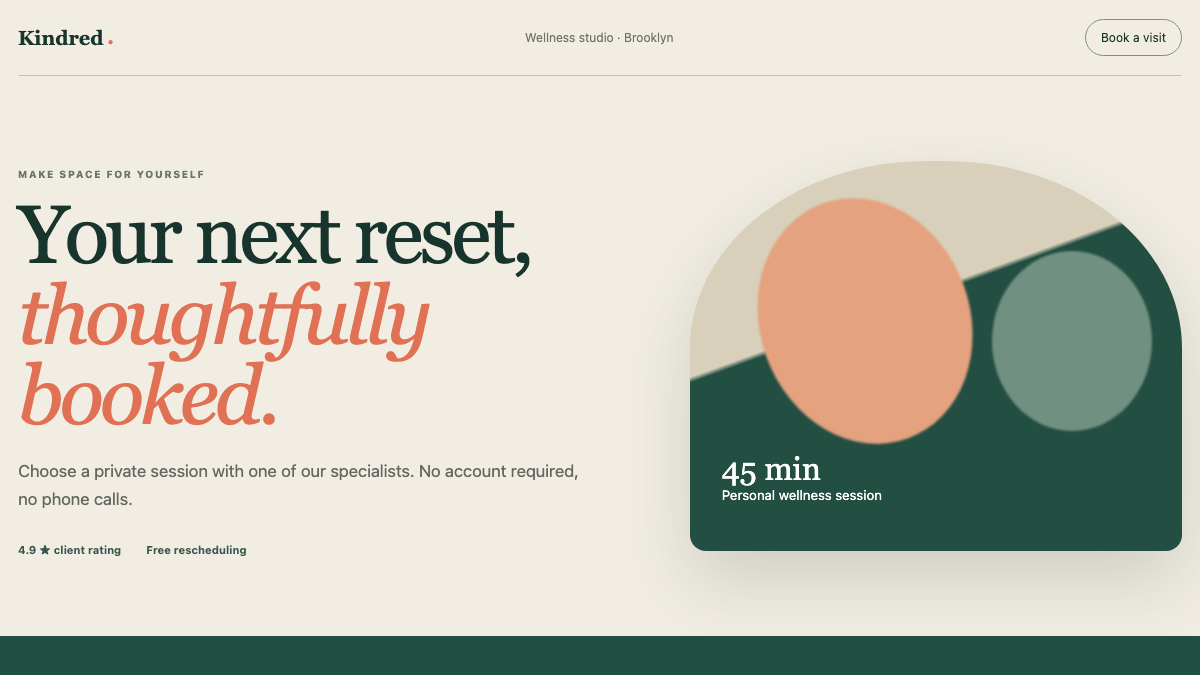
A responsive service website with an editorial identity and a clear booking journey.
REAL APPS · OPEN THE PREVIEW
Every image below is a capture of an executable E-Code demo application. Open the preview to test the interface yourself.
 Open live preview
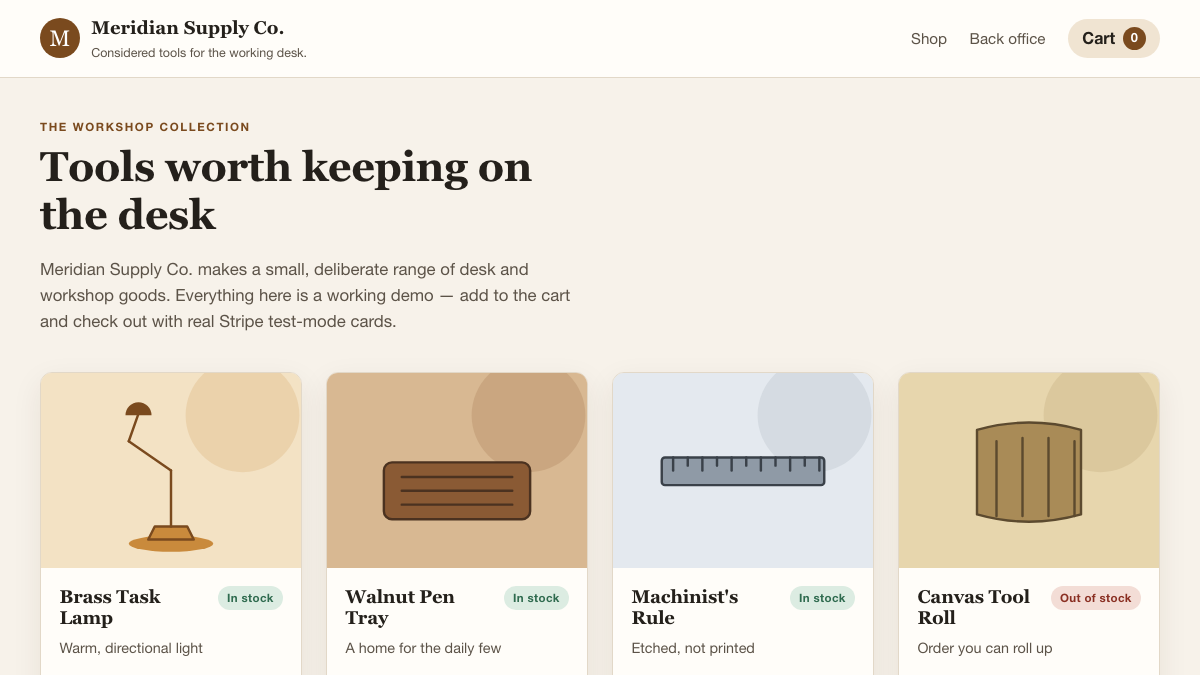
A working storefront with product inventory, cart interactions, and Stripe test-mode checkout.
 Open live preview
A polished SaaS workspace that covers contacts, pipeline stages, tasks, and next actions.
From template lock-in to source you control
A studio needs a site that shows its work exactly the way it wants. Template builders start fast, then constrain layout, typography, and structure, and the exported result rarely maps to code the team can keep evolving.
Fixed sections and rigid grids force the work into a layout it was never designed for, and custom structure means fighting the builder at every step.
Marketing tools hold the copy, a separate export holds the markup, and there is no single source the team can inspect, version, and change with confidence.
When a freelancer or agency ships the site, the smallest change waits on someone else, and the underlying code is often unavailable to inspect or export.
E-Code starts from the pages you describe and produces a responsive site in real source files. You inspect the markup, run it in Preview, and request the next change without leaving the code behind.
One prompt starts the site
The request below reads like a note from a studio owner. The four items map its implementation scope in real source files, not a locked template.
Build a showcase website for my architecture firm, with a portfolio, contact page, and blog.
Home, portfolio, project detail, studio, and contact pages render across desktop, tablet, and mobile from real components and routes.
Projects, images, studio details, and enquiries are modeled as editable content the team can extend without breaking the layout.
The enquiry form validates input and exposes a submission hook in code. Connect that hook to your chosen form or email service before accepting real enquiries.
E-Code runs the site in Preview across screen sizes. Supported static builds continue through guided publishing to a live URL; other projects stay exportable for any host.
What you receive
The project stays inspectable from the first generated file through Preview and export. Supported static builds add a live release through guided publishing without hiding the code.
Real routes, components, styles, and page content remain readable, versionable, and exportable as a complete project.
Project entries, media fields, studio details, and the enquiry hook live in the code. Wire them to your CMS, database, and delivery service before using real content or submissions.
Open the portfolio and contact journey in the active Preview, then inspect its desktop, tablet, and phone layouts while you refine the site.
When the website matches a supported static build, E-Code takes it through the guided publishing flow without hiding the source.
A supported static site receives a live E-Code URL after publishing. If the project needs a server runtime, export the source and deploy it with your chosen host.
Continue the conversation to add a case study, reshape the navigation, or revise a form, then review the change against the running site.
Built for real content sites
The Website Builder path keeps design intent, content, and publishing in one inspectable workflow.
Present projects with images, detail pages, and structured metadata.
Copy and media live in editable files, not a locked builder database.
Contact and lead-capture interfaces with validation plus an explicit integration point for your delivery service.
Titles, descriptions, and Open Graph tags generated per page.
Layouts adapt from wide desktop to phone without a separate mobile build.
Export the project or publish supported static builds while retaining editable source files.
Who builds with it
From a studio portfolio to a product launch page, the same loop produces a real, responsive site.
Architects, designers, and agencies presenting selected work.
Multi-page sites with a clear story, services, and contact paths.
Focused pages with lead capture and social metadata ready to share.
Readable, structured content sites that stay easy to update.
Common questions
What the Website Builder path produces, and where its boundaries are.
You get editable source files — components, routes, styles, and content — that you can read, version, and export. There is no proprietary template lock-in.
Yes. Layouts are generated to adapt across desktop, tablet, and mobile, and you verify them in Preview at each size before publishing.
Supported static builds publish to a live URL through guided publishing. Other projects remain exportable for your own hosting workflow.
The generated content model is code you can extend and wire to external services. The inline demonstration on this page uses fictional data and no connected backend.
Edit the files directly or ask the Agent for the next change and review the diff against the running Preview.
Website Builder for real content sites
Turn the pages you have in mind into a responsive site in real source code, run it in Preview, and publish supported static builds.